The short answer
There is no verified latest-version number in this hub. Establish the publisher, Android package and signing identity first. Comparing version numbers from unrelated apps can send you to the wrong software.
What the provided 1.0 label means
The site owner supplied version 1.0, a size of 62.5 MB and Android 5.0+ as the intended specifications. These have been added to the download centre as provided values. They are not a measured release record or proof that 1.0 is the latest version.
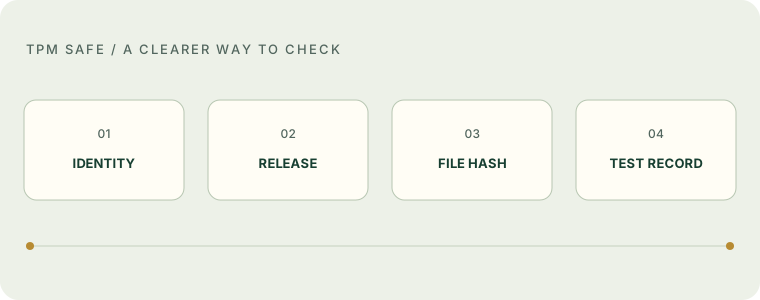
A useful next record would connect that version label to a package ID, version code, publisher URL, certificate and exact file hash. Until then, keep “provided” and “verified” separate.
Compare releases within one app
| Evidence | Useful comparison | Misleading comparison |
|---|---|---|
| Package | The same application ID across releases | Two matching display names |
| Version code | Publisher release ordering within one package | A larger number from another developer |
| Version name | A human-readable publisher label | Assuming “Gold 2026” is newer |
| Signing record | Trusted certificate or documented signing lineage | A lock icon on a website |
| Date | Source release date with archived evidence | The date an article was edited |
Version labels are not a universal numbering standard. A release called 2.0 is not automatically newer than a different developer’s 1.9. A website’s update date says when its content changed; it does not tell you when an APK was built.
If an update is offered
- Open the trusted source you originally used, rather than a forwarded update message.
- Compare the application ID and release notes. Check whether the proposed update changes permissions.
- If Android rejects the package, stop and investigate the error. Do not uninstall immediately merely to make the warning disappear.
- Back up data using a documented app feature, if one exists. Never assume uninstalling preserves local progress.
A signing mismatch can be a warning that the file is unrelated or altered. Legitimate key changes also require evidence. This hub has no app-specific migration record, so it cannot certify an update path.
What a useful release history records
A release entry should preserve the original source URL, observation time, package ID, version name and code, file hash, signer information, changes and test limitations. Retain the previous entry so readers can understand what changed. Do not rewrite every old release as “latest”.
References and limitations
Source-based information and original teaching examples. No app-specific file test or professional legal review is claimed.